How to Play Pass & Play
Pass & Play is the simplest way to play Sorting History with other people. One device, teams take turns, works completely offline. Set up a game in 30 seconds.
What Is Pass & Play?
Pass & Play is local multiplayer on a single device. Teams take turns placing events on the timeline. Between turns, a pass screen appears that hides the timeline so nobody can peek at the other team's progress.
You don't need WiFi, internet, or multiple devices. Just one phone or iPad and some friends.
How to Set It Up
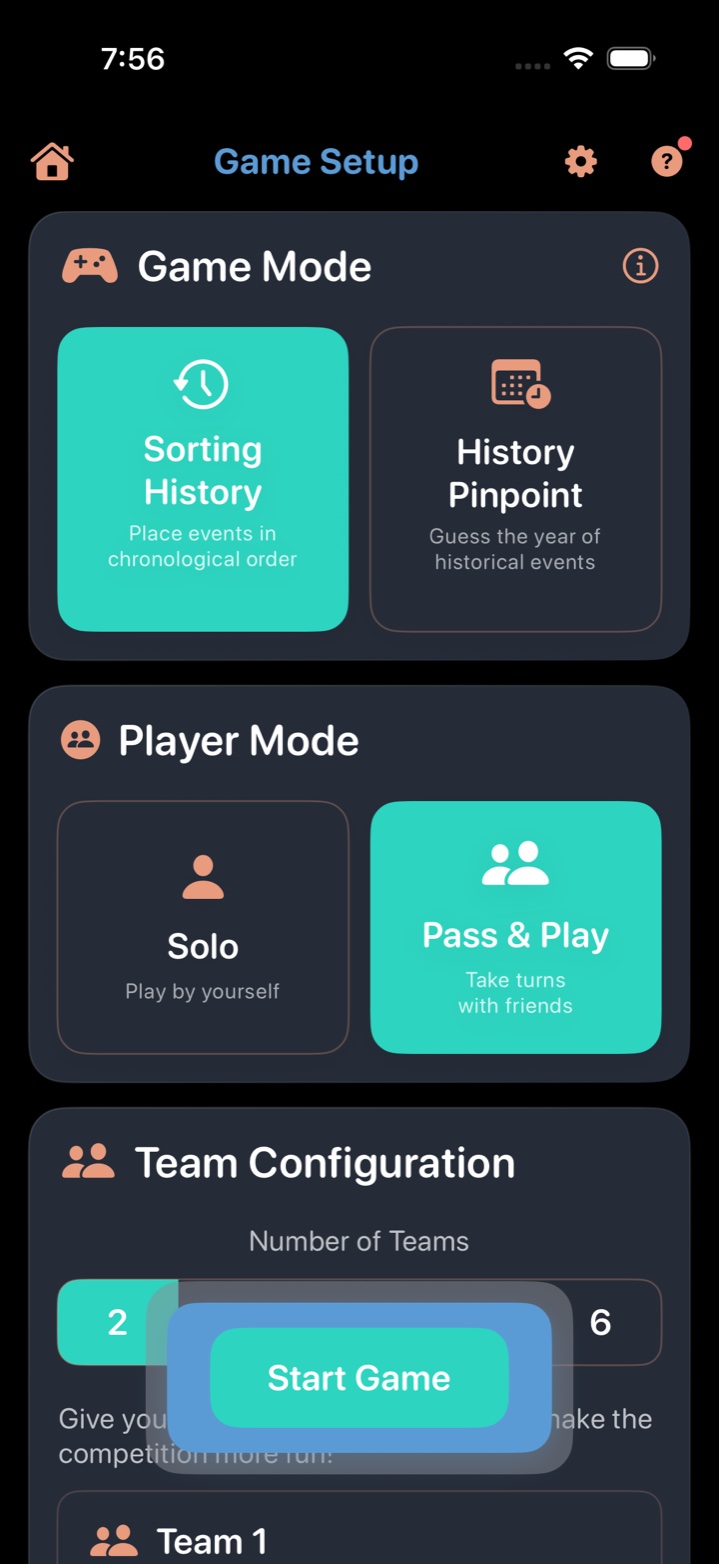
- Tap Play on the main menu.
- Select Sorting History as your game mode.
- Choose Pass & Play.
- Add your teams. Tap the + button to add teams (2–6). Give each team a name. Teams can have multiple players sharing the same name.
- Pick your categories. Choose one or more from 19 available categories.
- Set scoring mode: Friendly (no penalties), Competitive, or Expert.
- Choose game length: Sprint (5), Normal (10), Marathon (15), Ultra Marathon (20), or Epic (30).
- Tap Start.
How Turns Work
- The screen shows which team's turn it is.
- That team reads the event card and places it in the correct position on the timeline — tap an arrow and tap Place Here, or long-press the card and drag it into position.
- The game reveals the answer and shows whether the placement was correct.
- A "Pass the device" screen appears, showing which team goes next. This screen completely hides the timeline.
- The next team takes the device, taps Ready, and their turn begins.
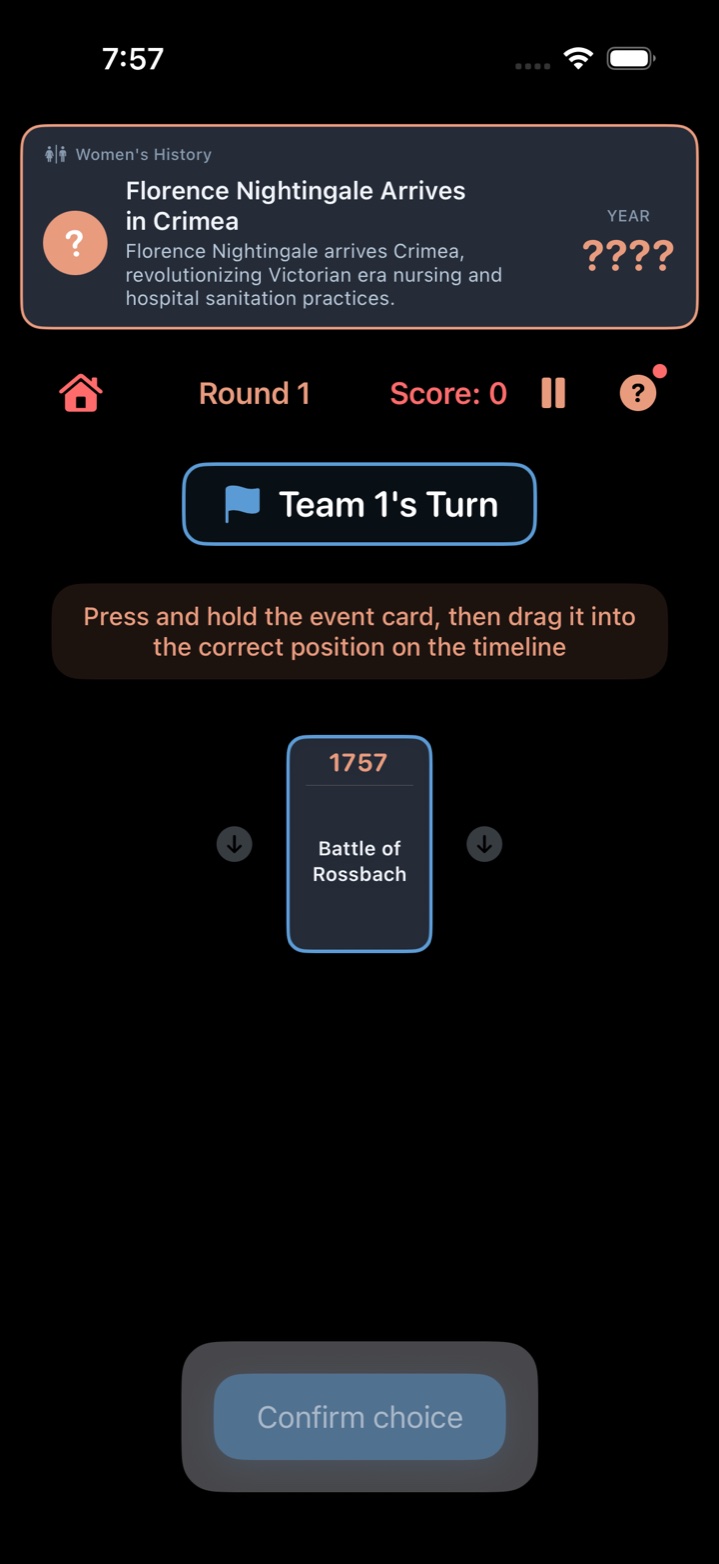

Each team builds their own separate timeline. At the end of the game, all team results are compared side by side so you can see who sorted best.
Tips for Pass & Play
- Start with Friendly mode for mixed-age groups. No penalties mean everyone participates without frustration.
- Let teams discuss. The fun is in the debate. "Was the Panama Canal before or after the Suez Canal?" — let the team argue it out.
- Sprint is perfect for quick rounds. 5 rounds per team keeps it snappy. Save Marathon+ for dedicated game nights.
- Pick categories everyone knows. Music & Entertainment and Sports History tend to work well for mixed groups.
- Trust the pass screen. It fully hides the timeline between turns. No need to close eyes or leave the room.
Great for Families
Pass & Play is the easiest way to set up a family game. One device, no accounts, no WiFi. Here's a recommended family setup:
- Teams: Pair younger players with an adult for team discussion
- Scoring: Friendly (no penalties)
- Length: Sprint (5 rounds) for younger kids, Normal (10) for older
- Categories: Ancient Civilizations and Music & Entertainment spark the best conversations
For more on family play, see our Families page.
More Guides
- How to Play Sorting History — the core timeline game
- How to Play the Daily Challenge — daily 5-event puzzle
- How to Play History Pinpoint — guess the exact year
- How to Play Solo — single-player setup
- How to Play Network Play — separate devices over WiFi
- Tips, Strategy, and Scoring
Game Night Sorted
Sorting History is now available on the App Store with Pass & Play, 19 categories, and a free tier. Be the first to know.
We'll email you when we launch and when new trivia categories drop. Unsubscribe anytime.