How to Play History Pinpoint
History Pinpoint is a different kind of challenge. Instead of sorting events into order, you guess the exact year each event happened. How close can you get?
How It Works
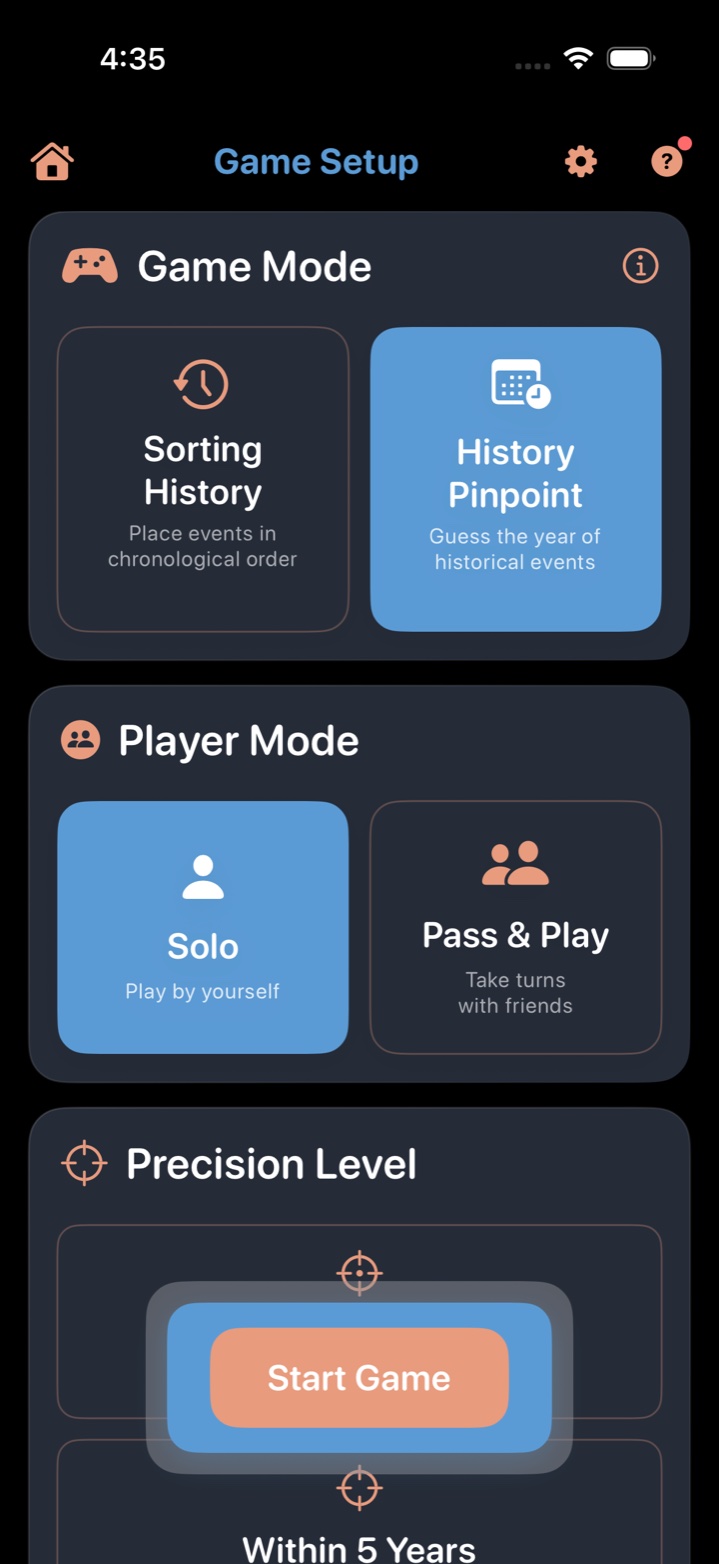
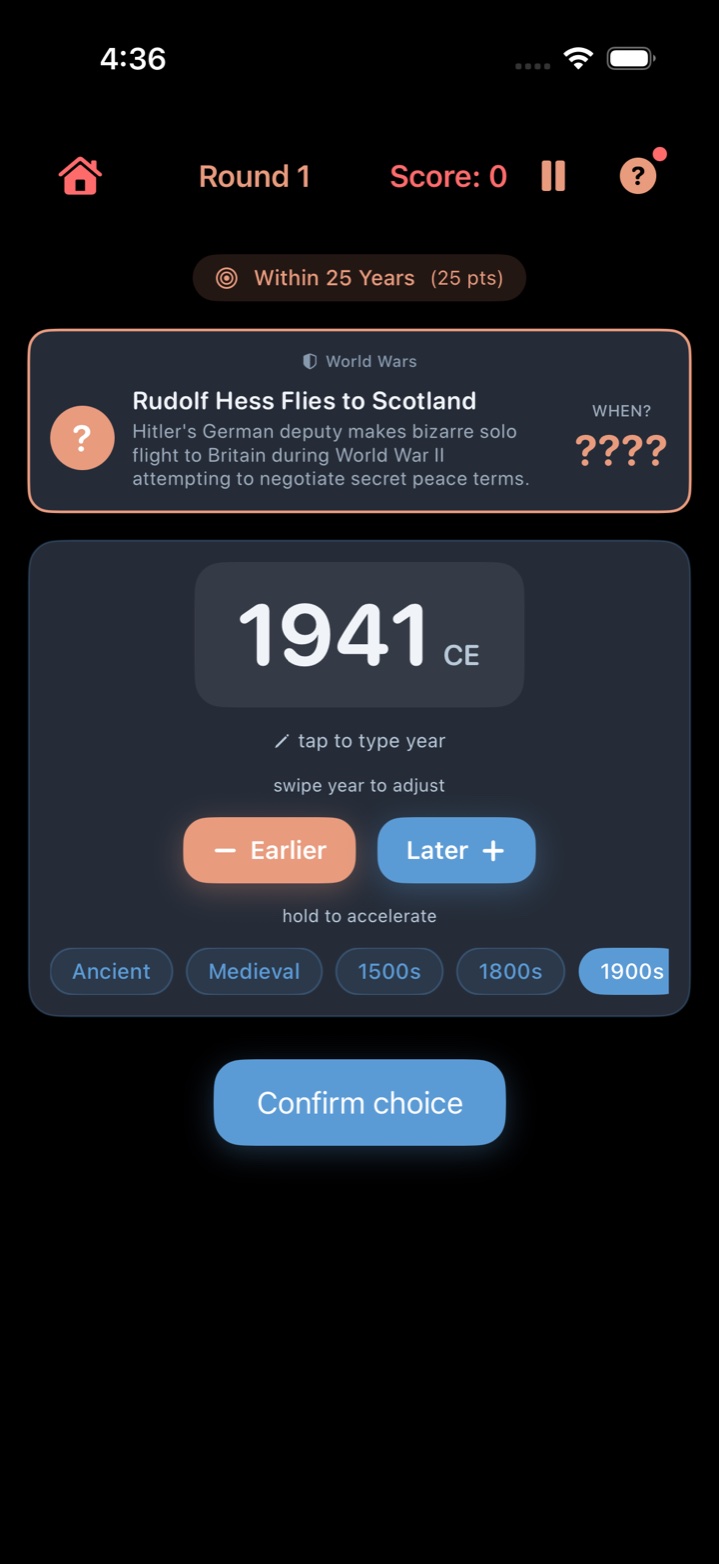
- See an event. Each round shows a historical event with its title and a short description.
- Guess the year. Swipe left or right to move through years, use the Earlier and Later buttons to adjust, or tap the year display to type a year directly. Era chips let you jump to broad time periods like Ancient, Medieval, or Modern.
- Submit your guess. The game reveals the actual year and shows how close you were.
- Earn points. The closer your guess, the more points you earn. Four precision levels determine your score for each round.

Precision Levels and Scoring
Your score for each round depends on how close your guess is to the actual year:
| Precision Level | How Close | Points |
|---|---|---|
| Exact Year | Exactly right | 100 points |
| Within 5 Years | ±5 years | 50 points |
| Within 25 Years | ±25 years | 25 points |
| Within 100 Years | ±100 years | 10 points |
If your guess is more than 100 years off, you earn no points for that round.
Setting Up a History Pinpoint Game
- From the main menu, tap Play and select History Pinpoint (or "When Did This Happen?").
- Choose your categories. Same 19 categories as the main game, 100+ events each.
- Set game length: Sprint (5 rounds) to Epic (30 rounds).
- Enable hints (optional). When hints are on, you can request one hint per round before submitting your guess. Hints give context about the era without revealing the exact year.
- Start playing.
Tips for Better Guesses
- Read the description carefully. Mentions of specific people, technologies, or countries can narrow the era dramatically.
- Anchor on what you know. "World War II ended in 1945" — use landmarks like this to estimate nearby events.
- Think about the category. If you're playing Ancient Civilizations, your guess should probably start with a large number. If it's TV History, you're almost certainly post-1940.
- Use the controls that feel natural. Tap an era chip to jump to the right period, swipe to browse nearby years, or tap the year display to type directly. Long-press the Earlier or Later buttons to accelerate through years quickly.
- BCE dates work too. Events from before the Common Era use negative years. The game handles ancient history correctly.
Who Can Play History Pinpoint?
History Pinpoint is available exclusively to Historian subscribers. It's a premium mode that tests a deeper level of historical knowledge — not just the order of events, but when exactly they happened.
The Historian tier also includes all categories, epic categories, and other premium features.
History Pinpoint vs. Sorting History: What's the Difference?
| Sorting History | History Pinpoint | |
|---|---|---|
| What you do | Place events in chronological order | Guess the exact year |
| Knowledge tested | Relative ordering ("A before B?") | Precise dates ("When exactly?") |
| Multiplayer | Pass & Play, Network Play | Solo only |
| Availability | All tiers (including free) | Historian tier only |
| Hints | Not applicable | Optional (one per round) |
More Guides
- How to Play Sorting History — the core timeline game
- How to Play the Daily Challenge — daily 5-event puzzle
- How to Play Solo — single-player setup
- How to Play Pass & Play — one device, multiple teams
- How to Play Network Play — separate devices over WiFi
- Tips, Strategy, and Scoring
Ready to Test Your Precision?
Sorting History is now available on the App Store. History Pinpoint is included in the Historian tier. Be the first to know when it's live.
We'll email you when we launch and when new trivia categories drop. Unsubscribe anytime.