How to Play Sorting History
Sorting History is a timeline trivia game where you put historical events in chronological order. Choose a guide below to learn the rules, set up a game, or sharpen your strategy.
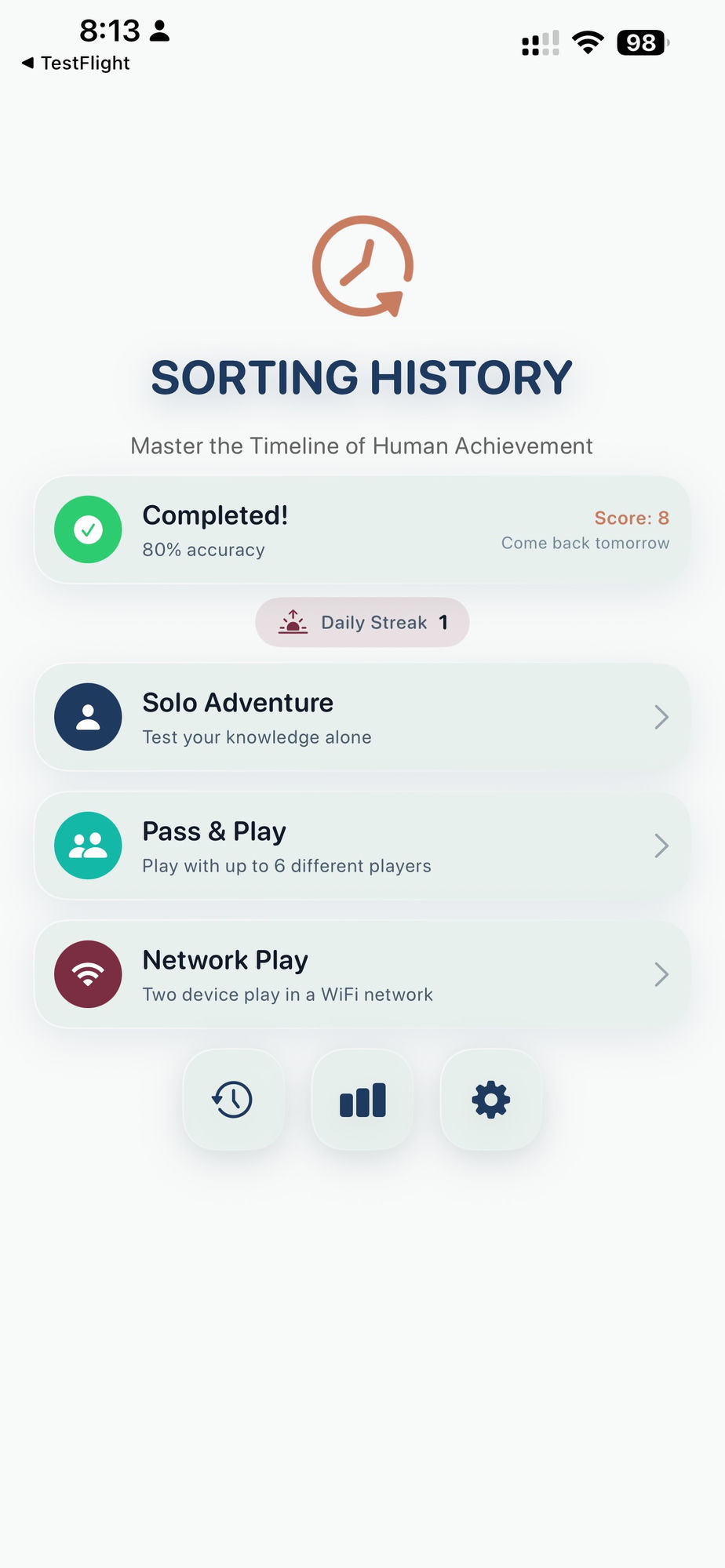
Game Modes
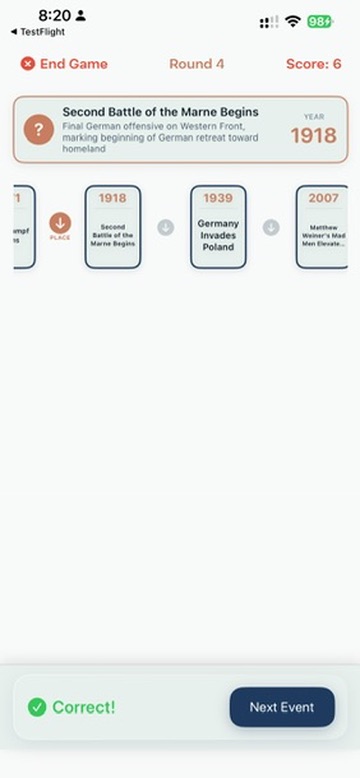
Sorting History
The core game. Place historical events on a growing timeline in the right order. Three difficulty levels, 5 to 30 rounds, 12 categories with 100+ events each.
Daily Challenge
A new 4-event sorting puzzle every day in a surprise category. Same events for every player worldwide. Under 5 minutes. Available on all tiers.
History Pinpoint
Guess the exact year a historical event happened. Four precision levels, optional hints. Available to Historian subscribers.
Play Types
Solo
Play on your own. Pick categories, set your difficulty, and build your timeline. Save mid-game and resume later.
Pass & Play
One device, multiple teams. Take turns placing events, then pass the device. Up to 8 teams with custom names.
Network Play
Each team plays on their own device over the same WiFi network. One host, everyone else joins. No internet required.
Scoring & Strategy
Tips, Strategy, and Scoring
How scoring works in each mode, what the letter grades mean, category presets, and strategies to improve your accuracy.
Quick Start: Your First Game in 60 Seconds
- Open Sorting History and tap Play on the main menu.
- Pick a mode: Sorting History (timeline) or History Pinpoint (year guessing).
- Choose Solo, Pass & Play, or Network Play.
- Select your categories. Start with one you know well, or mix several for variety.
- Set your difficulty. Friendly mode has no penalties — great for your first game.
- Pick a game length. Sprint (5 rounds) takes under 3 minutes.
- Play! In Sorting History, drag each event to where it belongs on the timeline. In History Pinpoint, type your best guess for the year.
Or skip setup entirely: tap the Daily Challenge card on the main menu for a quick 4-event puzzle that changes every day.
Ready to Sort History?
Sorting History launches April 2026 with 12 categories, 1,200+ events, and a free tier. Be the first to know.
We'll email you when we launch and when new trivia categories drop. Unsubscribe anytime.